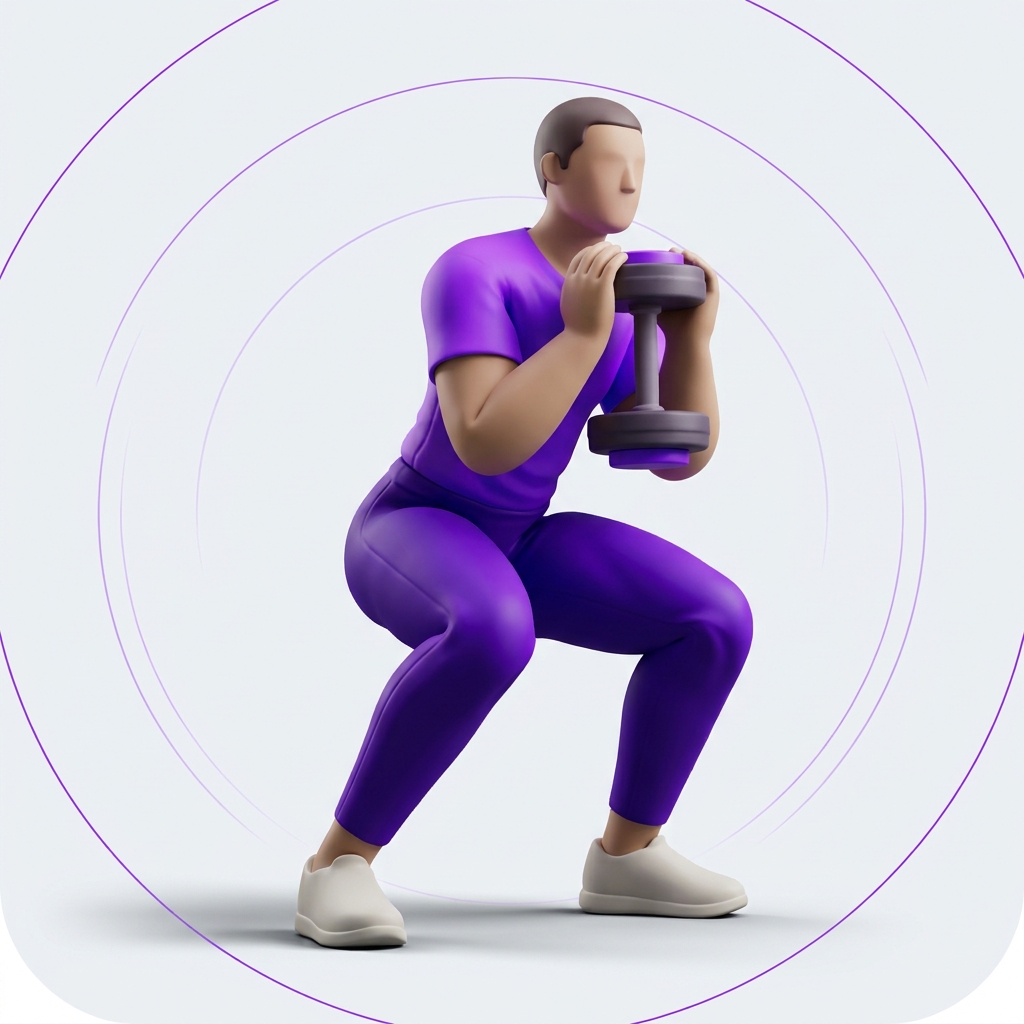
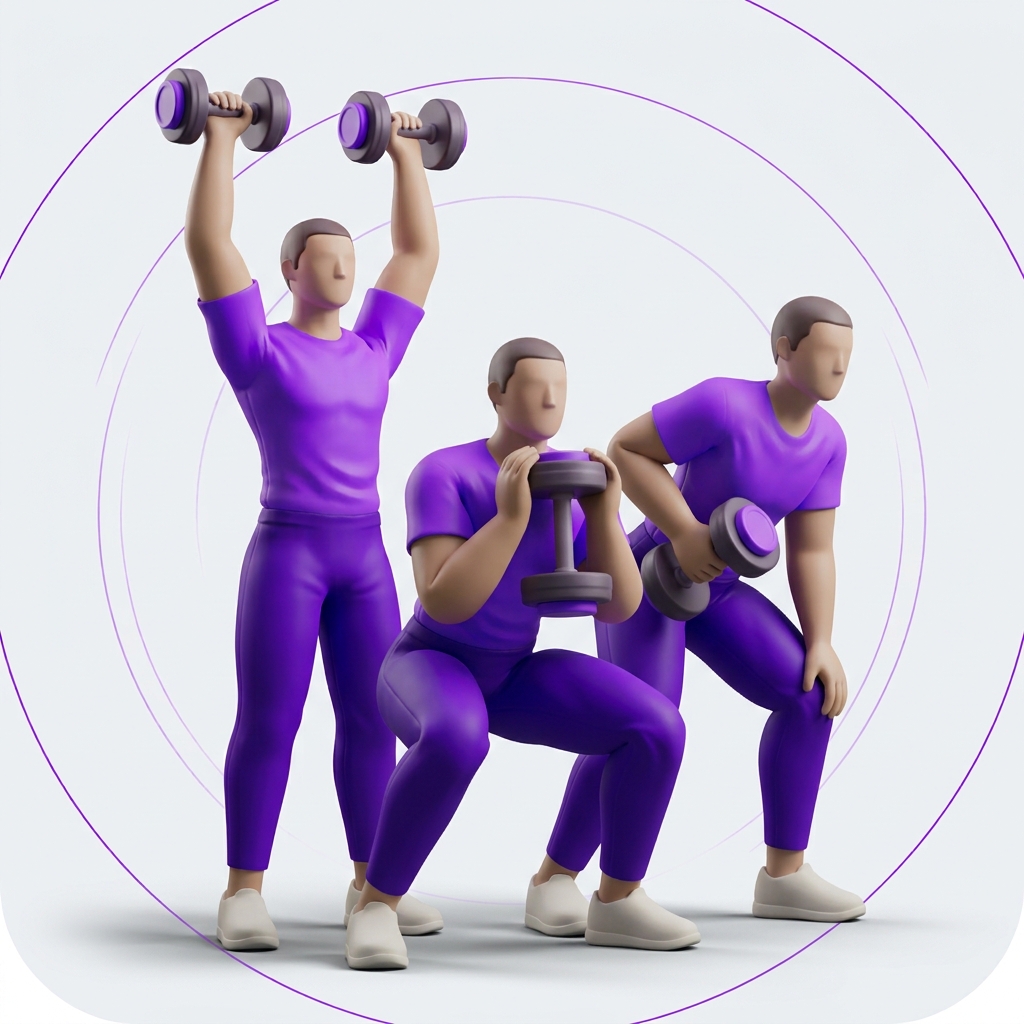
Full Body
Legs, push, and pull in every session. A straightforward place to begin.
 Repl Workout.
Get in touch
Repl Workout for iPhone
A clear plan when you arrive. A simple way to log as you go. Your training, one set at a time.
Built for your workout. No ads.
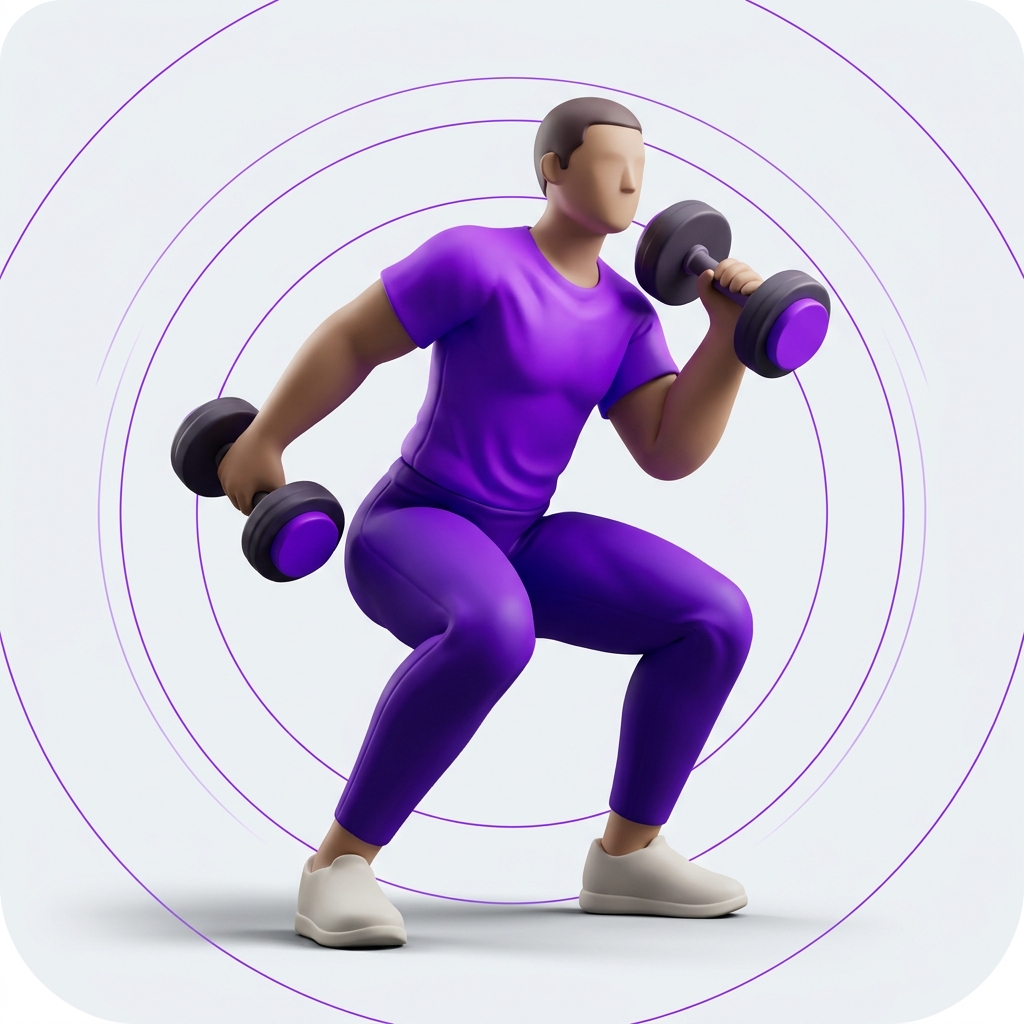
From plan to progress
Your program, today’s session, and the work you’ve already put in. Each has its place.
Interactive illustration · Sample workout data
A place to start
Start with a built-in plan, get help choosing, or create a custom program around the way you train.
Legs, push, and pull in every session. A straightforward place to begin.
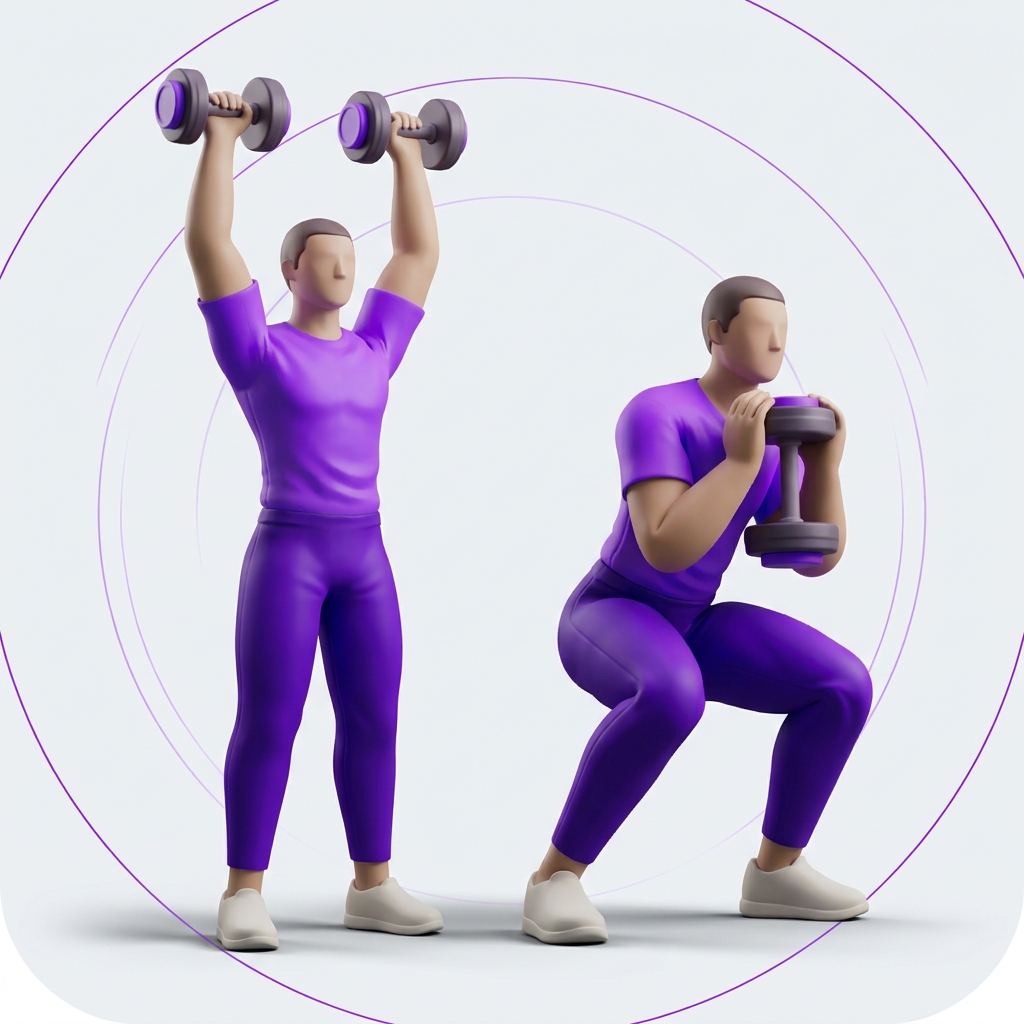
Alternate upper and lower body sessions throughout your week.
Give pushing, pulling, and leg exercises their own sessions.
Also in the app
In between the reps
A built-in rest countdown keeps the next set in view. Skip it when you’re ready.
Swap an exercise, add a note, and log warm-up sets alongside your working sets.
Your workout records stay on your device. Export and restore them with a JSON backup.
Choose Light, Dark, or System to follow your iPhone. The same familiar layout in every appearance.
A little help
Have a question or found something that needs a look?
Email Repl Workout supportNo. You can browse the built-in programs, use Help me choose, or create your own. Preview a program before making it active.
Yes. Use Swap exercise in the active workout. Changes to a catalog workout apply to that session. Create a custom copy to change the underlying program.
Open Settings & backup, choose Prepare JSON backup, then share or save the file. Use Restore JSON backup to import a saved copy.
Read our privacy policy for details about workout data, analytics, exercise videos, and contacting support.
No. Repl Workout is designed without advertising.
Repl Workout for iPhone